freshwuzhere wrote: ↑Mon Apr 28, 2025 12:18 pm
Kiosk is amazing and life changing (no exaggeration), but I have what could only be described as a first world problem ……

Is there a solution I missed to this? A “second app”, a quick change button? A second iOS app that flips the configuration? Happy to help hack !!

Okay. I think 1.15 - sitting waiting store review might help these plans...
Adds:
1.15
Refactor Screen Brightness handling, both internal updating and external updating. Review and fix rare loop between the 2.
Limit screen brightness to three decimal places off -> 0.001 -> 1.000
Refactor Scheduled Dimming. Bug fixes.
Big Oops - fix for Sound Speedup - only had applied it to Alerts, not touch events - hopefully far more noticable quicker now.
But for those that need to swap homes/settings:
- Adds the Creation on Startup in iOS Files App of the apps current settings as a shortcut url via kioskhome://configure.
(In format as below. Saved in Kiosk Home Directory,in Files App)
- Also adds a HTML file with button that will update current App to these saved settings.
This html file can be added to home page for single link to restore saved settings and renamed etc.
(use the Shortcuts app to add to HomeScreen) [Only programatically able to do so on OS16+]
|
Support Setup & change of Setup via shortcuturl kioskhome://configure
Shortcuts supported (1 or many)
kioskhome://configure?
usehttpsserver=true&
baseipaddress=192.168.1.19:8176&
apikey=YOURKEY&
startpageid=123456&
variablenumber=1089&
variabledimcontrol=72959048&
variablesoundcontrol=72959049&
screenviewportsize=1.25&
useblackoutdiv=true&
fitwidthmode=false&
pagetopoffset=30&
pagerightoffset=0&
disablescreenzoom=true
.
You can Quick Look in Files App: (or click depending on setup/iOS)
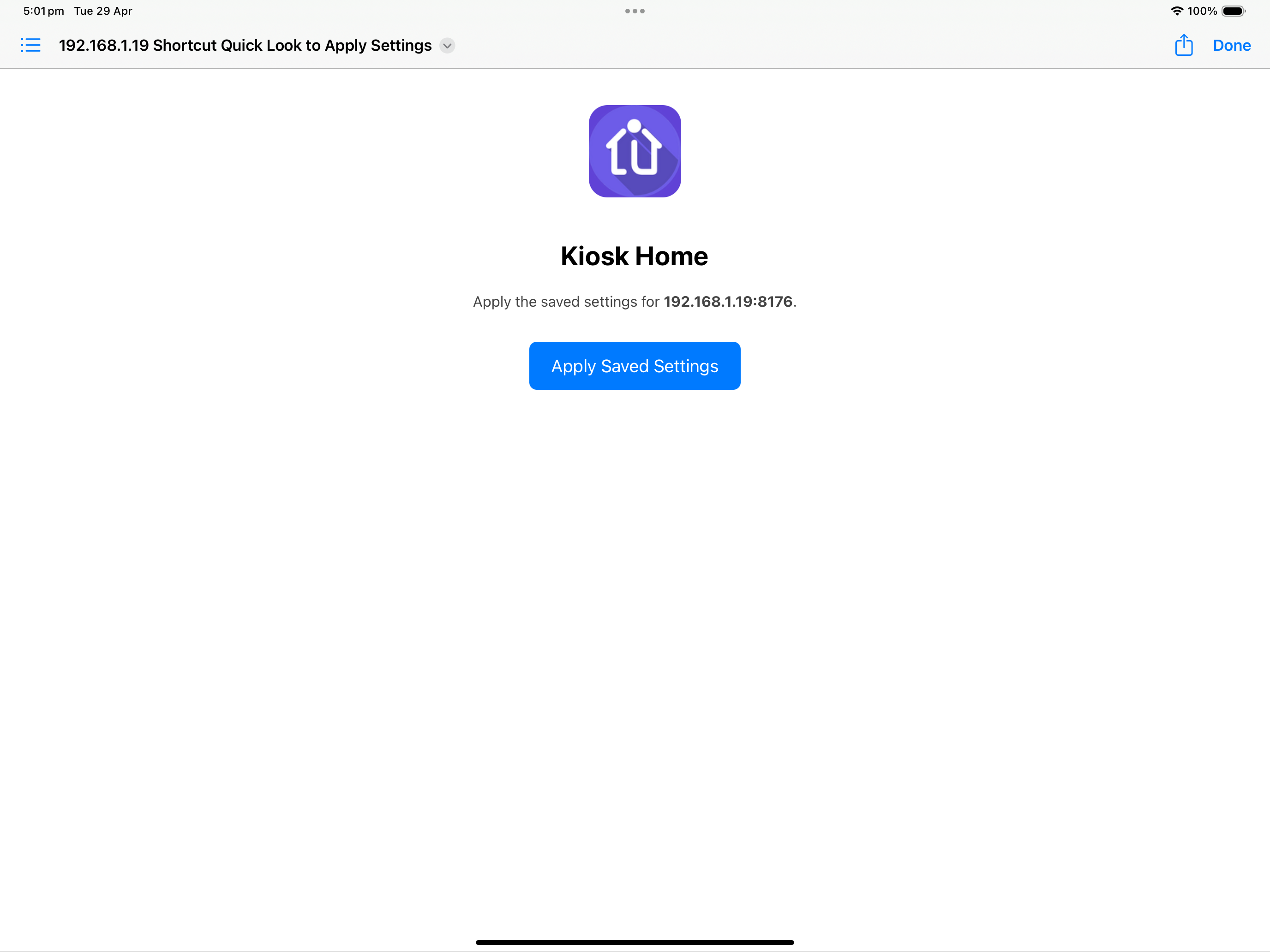
If you connect to various homes the files are saved via IP address. (once connected once - can use files to swap)
& pressing the Apply button applies the settings.
The text file can be copied and pasted and texted between devices to simply update once multiple new devices.
You can also go to Shortcuts app and get File - add to Home Screen. Spent a bit of time trying to do this programmatically (but can't under OS16 which we still support).
Hopefully that covers some bases....
Glenn

 )
)
