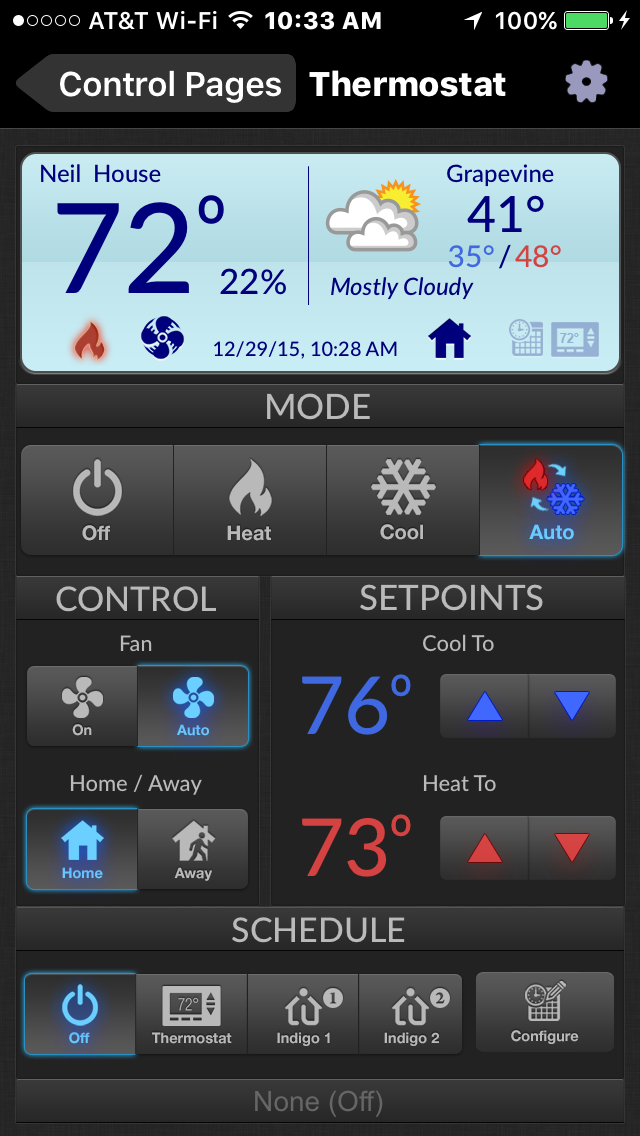
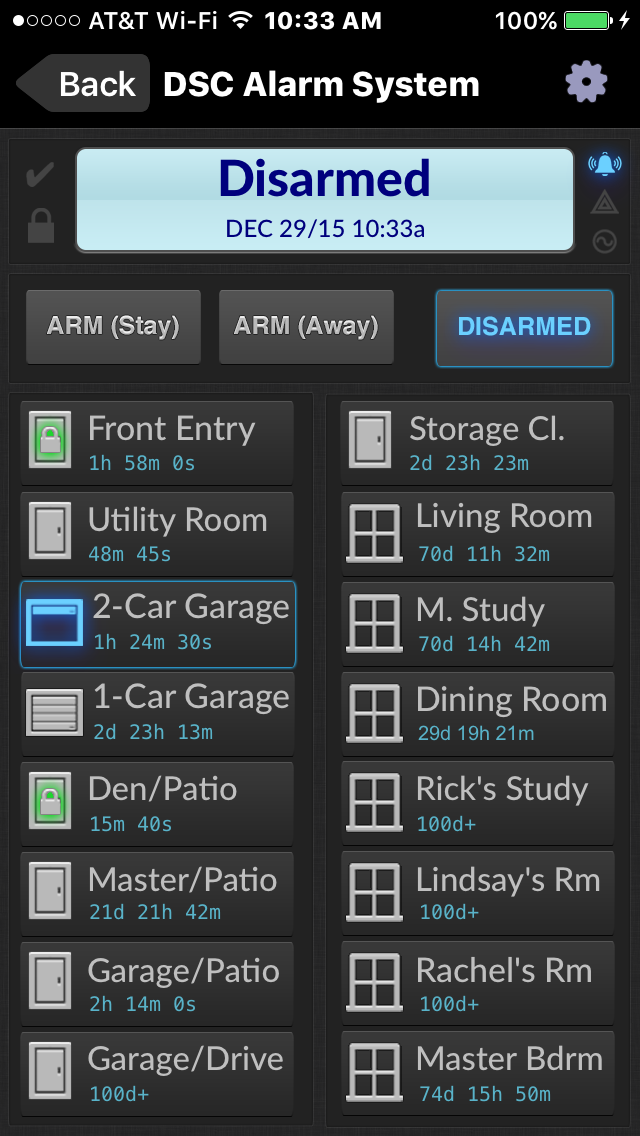
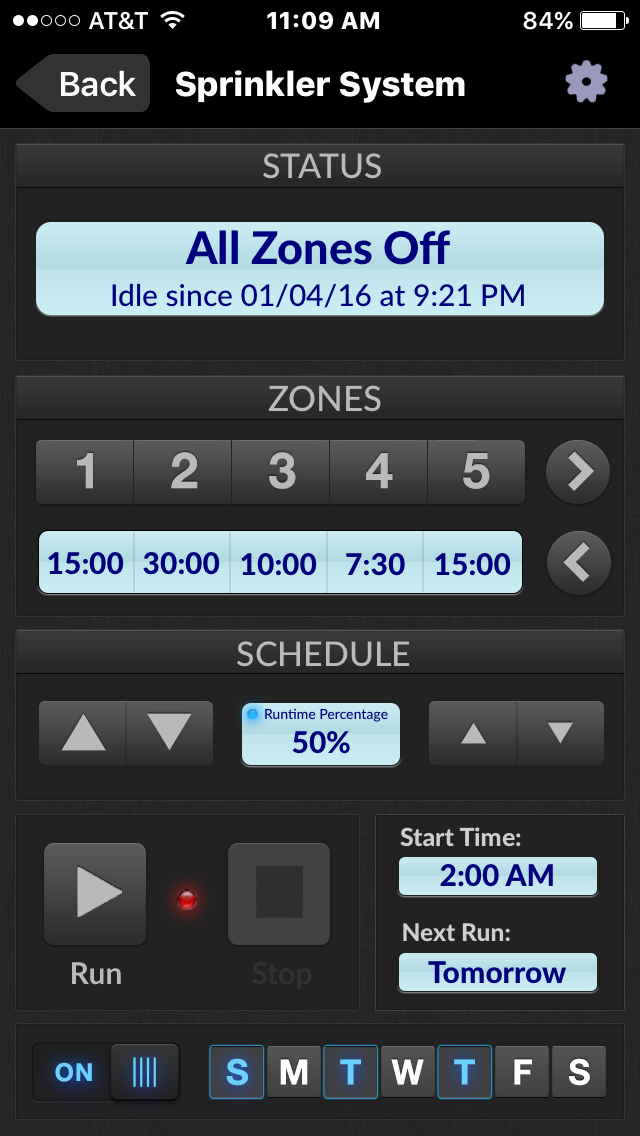
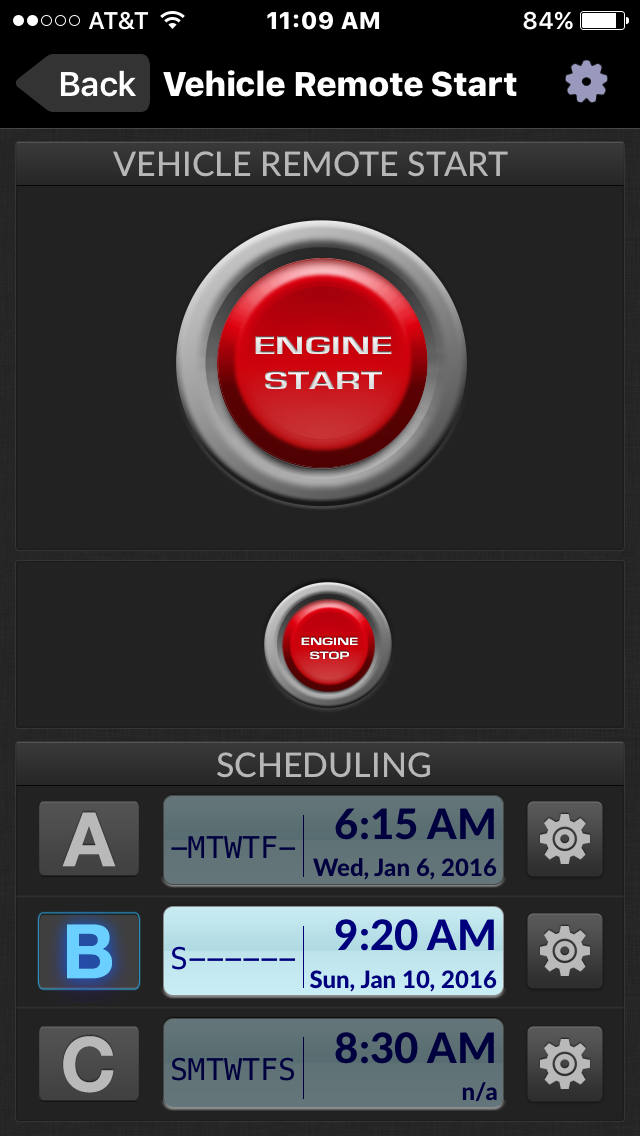
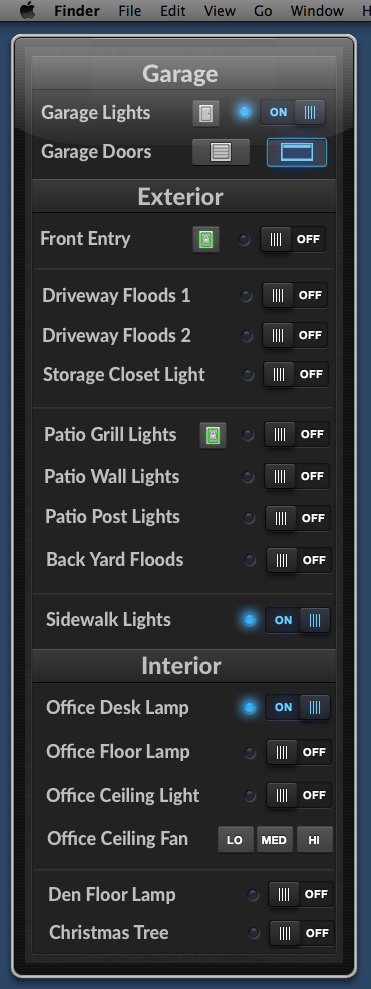
six50joe wrote:I realize this thread is a couple of years old now, but thought I'd give a try. These screenshots are exactly what I'd like my pages to look like. Earlier today I tried starting my version of the DSC Alarm System page. Using 'Front Entry' as the example, I couldn't figure out how to get mine to look that way. The caption in the screenshot seems to be justified near the top of the image, rather than center. I'm assuming the last triggered time delta is a separate image represented by a variable placed on top of the device widget- is that true?
Each door/window graphic is composed of a background "button" image and two captions -- one for the label (e.g. 'Front Door'), and one for the elapsed time since it was last opened/closed. Additional images are used to indicate the locked status of each door. All of the images can be found in the ZIP file linked for download in the first post of this thread. Double-clicking on the downloaded ZIP file will create a new folder called "Exported Control Page Images" in the same folder as the ZIP file.
As an example, the "button" images used for the entry doors are located here:
Exported Control Page Images/DSC Alarm System/controls/devices/AlarmZoneDoor6+.png
Exported Control Page Images/DSC Alarm System/controls/devices/AlarmZoneDoor6+closed.png
Exported Control Page Images/DSC Alarm System/controls/devices/AlarmZoneDoor6+open.png
Exported Control Page Images/DSC Alarm System/controls/devices/AlarmZoneDoor6+tripped.png
There is one image file for each door state (open, closed, tripped) plus one "base image", all named in accordance with the
Control Page Image Selection Heuristics.
six50joe wrote:Also, the device that my control is attached to has a 0/1 state, but the image doesn't dynamically change; it always remains in the 'closed' state. Can anyone advise?
That's covered in detail on the Control Page Image Selection Heuristics page, linked above.
six50joe wrote:Hoping to get this to work; the controls look dynamite.
Thanks, and good luck!